
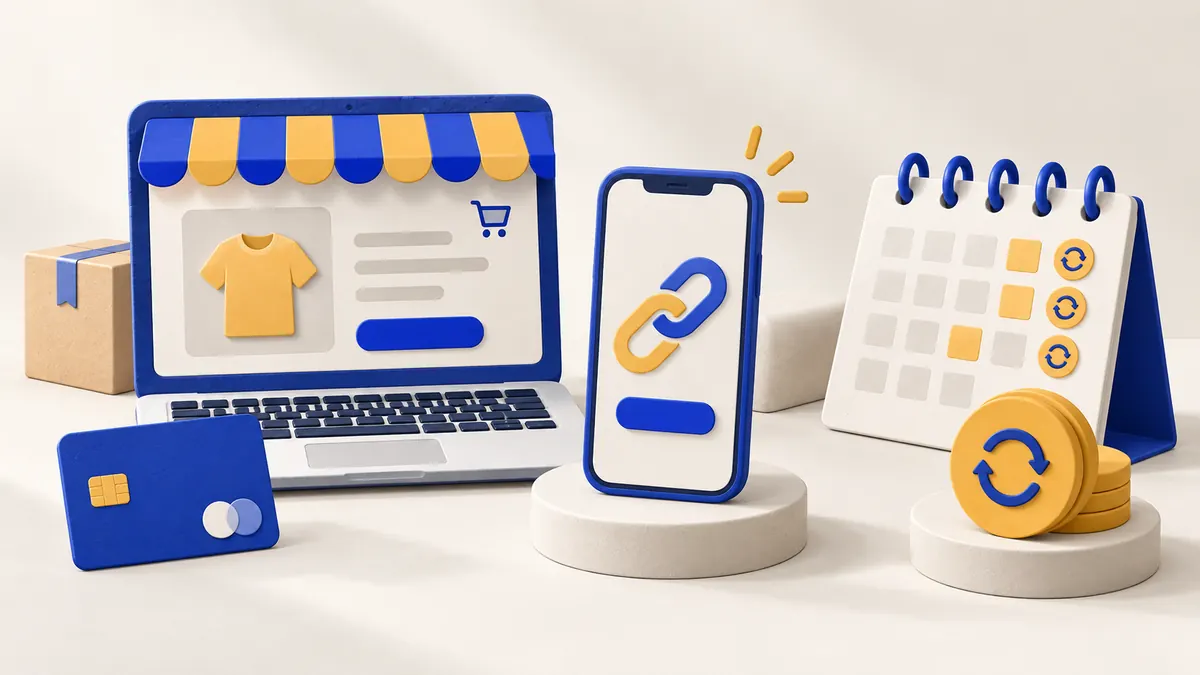
Start choosing a payment setup by asking where the customer decides to buy and what needs to happen after payment. A service agreed over a message has different requirements from an order involving stock, delivery and refunds.
Match the journey to the sale
| What you sell | An option to consider | What to prepare |
|---|---|---|
| A service at an agreed price | Payment link | Description, amount and sale confirmation |
| Products in an online store | Checkout connected to the order | Basket, delivery, payment and order status |
| A fixed-price course | One payment or instalments | Total price, due dates and remaining balance |
| Ongoing access to a service | Subscription | Frequency, renewal, cancellation and access |
A payment link takes someone to a payment page. A card or digital wallet is how they pay there. These are not competing choices: they may belong to the same journey.
When does a payment link make sense?
When the customer already knows what they are buying and the price is agreed, a link can let them pay. For a fictional service booking, check that the page shows the correct description and amount, and that the confirmed payment matches that booking.
Sending a link does not mean you have been paid. A customer’s screenshot also does not replace checking the result in the payment system.
When should payment connect to your store?
With a basket and multiple orders, each payment needs to match the correct sale. Check what happens when the buyer returns to your site, closes the tab or requests a refund. The store and payment service should let you follow the same transaction.
Instalments and subscriptions end differently
Three instalments for a fixed-price course end once the total has been paid. A subscription may keep renewing while active under the agreed terms. Sending a link every month does not, by itself, authorise automatic charges. Read our guide to one-off payments, instalments and subscriptions.
Where do Apple Pay and Google Pay fit?
They can be part of checkout when the provider, integration and customer setup support them. Check the requirements for digital wallets and provide an alternative when they are unavailable.
You do not need every tool selected before contacting us. Tell us what you want to sell, how customers buy and whether you already have a website or bank. We can discuss the payment journey from there.